Printer Buying Guide India: Ink Tank vs Laser
A printer's purchase price tells only part of the story. This printer buying guide India edition compares refillable ink-tank models, cartridge inkjets and laser printers by total cost per page, workload and maintenance. It is especially useful for students, home offices and service centres that print bills, documents or forms regularly.
Thank you for reading this post, don't forget to subscribe!Printer Buying Guide India: Quick Checklist
- Estimate real pages per month and colour share.
- Calculate genuine consumable cost per page.
- Check duplex, ADF, scanning and paper-size requirements.
- Confirm driver, Wi-Fi and mobile-print support.
- Factor warranty, supply availability and downtime cost.
Start with pages per month and colour needs
Estimate how many black-and-white and colour pages you print in a typical month. A household printing ten pages occasionally has different priorities from a shop printing hundreds of forms each week. Also decide whether you need photographs, everyday colour charts or mostly crisp text.
If you scan IDs, forms or assignments, a multifunction model with scanning and copying is useful. For bulk document work, an automatic document feeder (ADF) can save time, but check whether it supports the paper size and two-sided scanning you need.
Ink tank vs cartridge inkjet vs laser
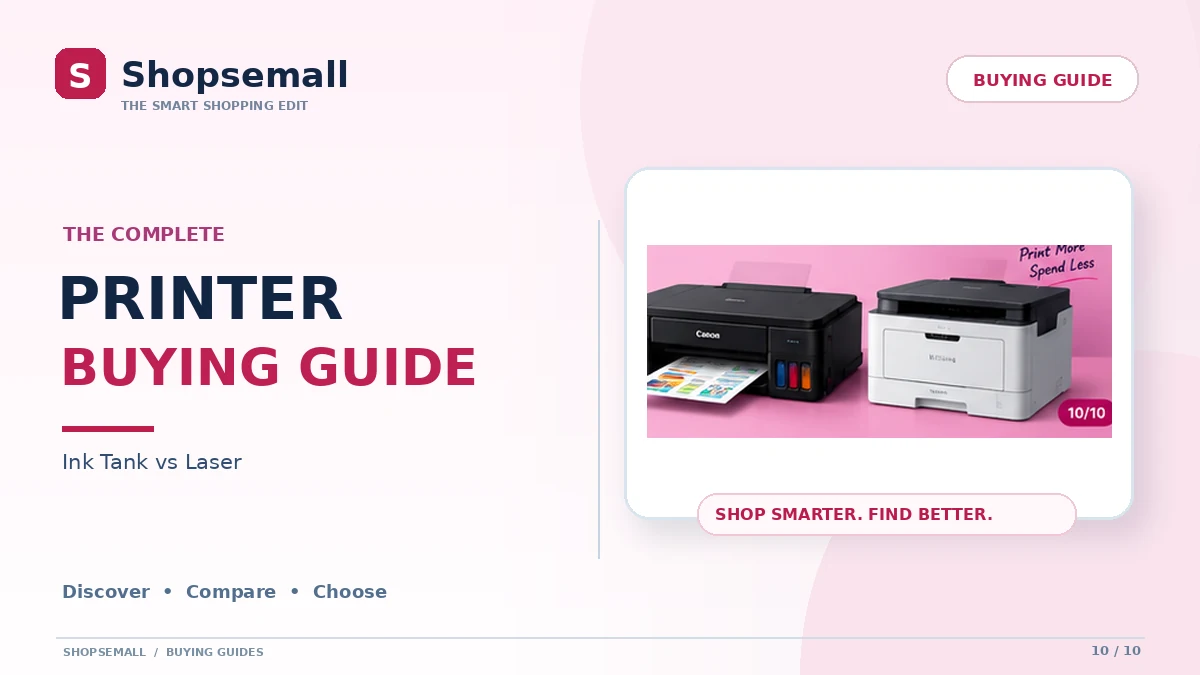
Refillable ink-tank printers often offer low running cost for frequent colour output when using appropriate genuine ink, but the printer can cost more initially. Cartridge inkjets may be inexpensive to buy but expensive per page, particularly for occasional small cartridges. Mono laser printers are often attractive for regular black-text work, using toner rather than liquid ink.
None of these types is universally best. Ink technology, rated yield, real output coverage and maintenance vary widely by brand and model. A printer used only a few times a year may need different care from one operated every day.
Calculate total cost per page
Compare the official page yield for black and colour consumables under the relevant test conditions. Divide the cost of the ink/toner by expected pages, allowing for any maintenance items and real coverage. Promotional 'up to X pages' numbers are not promises for photo-heavy or dense documents.
Include drum units, waste-ink or maintenance boxes where applicable, plus replacement printheads if their coverage matters. A cheap printer with expensive consumables can cost more over two years than a higher-priced alternative.
Speed, duplex and paper handling
Read print-speed claims carefully: draft-mode speeds can differ from real-world first-page time and colour printing. Automatic duplex printing saves paper for multi-page documents. A durable paper tray, supported GSM range and reliable feed mechanism can matter more than a one-page-per-minute speed advantage.
For a CSC or small business, verify A4, legal and other required paper support, borderless printing where necessary, and whether your workflow involves envelopes or labels. Do not assume every printer handles thick paper or specialty media.
Connections and software reliability
USB can be dependable for a single PC; Wi-Fi and Ethernet help shared-office workflows. Check mobile printing support for your phone and PC drivers for your operating system. A modern printer should not require complicated workarounds for routine PDF or Word printing.
Look for scan resolution appropriate for documents and whether OCR software is included if you need editable text. OCR output accuracy depends on scan quality and source material, not just the printer's advertised scanner resolution.
Maintenance, warranty and service
Inkjet printheads can need periodic use or cleaning depending on the design, while laser printers have their own toner and drum maintenance. Consult the manual before attempting cartridge refilling or using third-party consumables; warranty and quality outcomes can vary. Consider supplies availability in your city.
Check authorised service, on-site support options, warranty exclusions and cost of repairs. For a shop, downtime has a real cost. Choose a model with readily available genuine supplies and a clear service path.
Fast buying checklist
Write down monthly pages, monochrome/colour ratio, whether scanning is needed, network needs and paper sizes. Compare three models' total costs over your planned ownership period, not just the Amazon sale price. Inspect print samples for text sharpness and photo colour if those matter to you.
For regular black documents, a mono laser may be sensible. For frequent colour forms and charts, consider an ink tank. For occasional mixed use on a tight upfront budget, assess cartridge running costs carefully before choosing.
Frequently Asked Questions
Is ink tank always cheaper than laser?
Not necessarily. Compare your black/colour mix, volume and all consumable costs.
Do printers include starter ink or toner?
Many do, but starter yields differ. Verify the exact package contents.
Is automatic duplex worth paying for?
It can save time and paper if you regularly print multi-page two-sided documents.
Final Buying Advice
Compare the current product listing with the manufacturer’s own specifications, inspect seller and warranty terms, and choose what fits your needs rather than a headline discount. Prices, availability and product specifications can change; verify them on the retailer page before ordering.
Editorial note: This is a general buying guide, not a hands-on review of a particular product. Shopsemall may earn a commission from qualifying purchases made through clearly identified affiliate links elsewhere on the site.